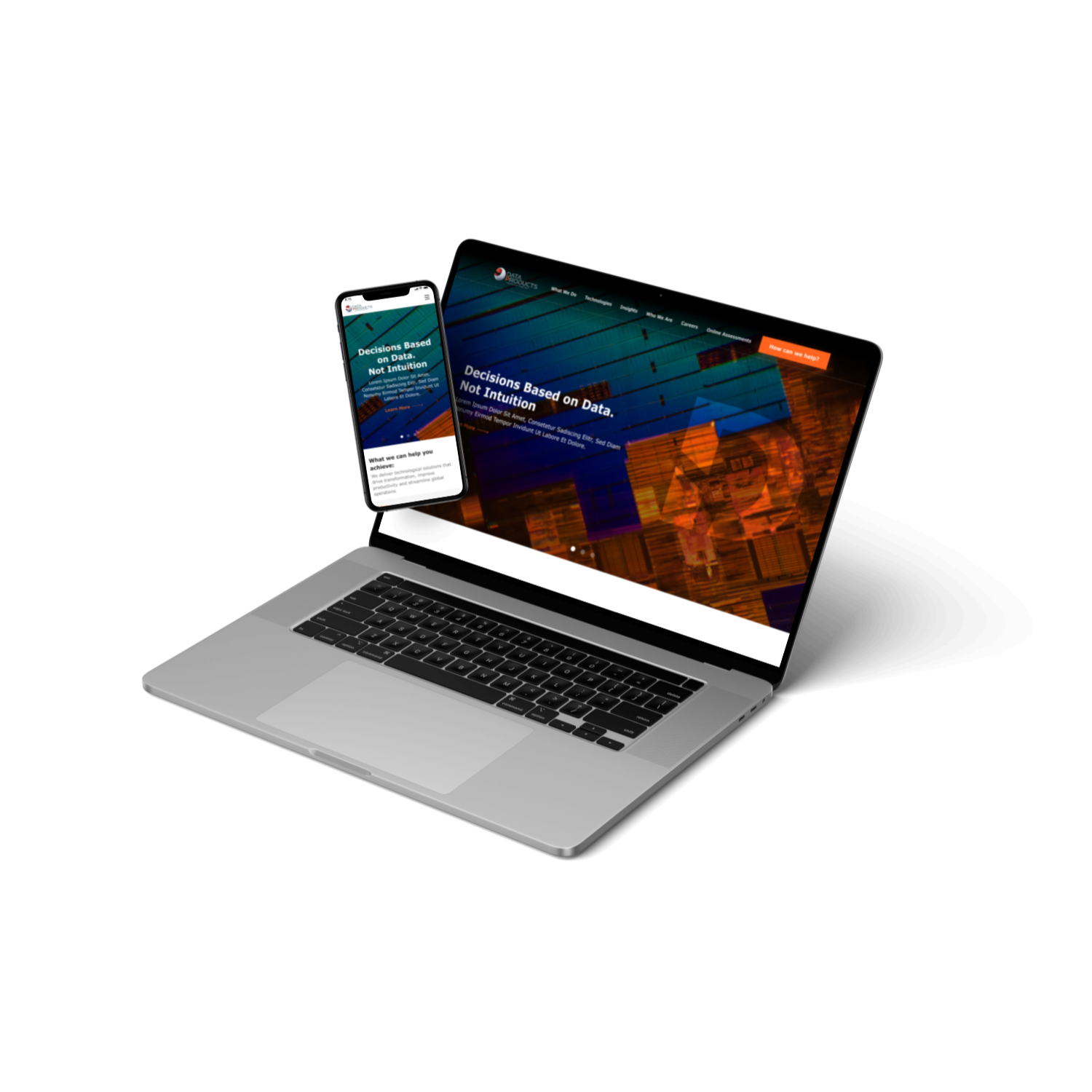
In this personal project, I undertook the redesign of the Data Products website as a UI/UX Design Intern. My objective was to create a seamless and engaging user experience while effectively showcasing the company's data solutions. Through research, wireframing, and collaboration with stakeholders, I aimed to transform the website into a visually appealing and user-centric platform. I have share the insights and outcomes of this exciting journey in the Data Products Website Redesign Project below.
Role: UI/UX Designer
My Contribution: User Research, User Experience Design, Usability Evaluation, User Interface Design, and Interaction Design.
Team: Myself, Product Manager, Stakeholder, UI/UX Design Intern, Developers
Duration: 7 months
Tools used: Figma, FigJam, Miro, Photoshop
The existing Data Products website faced challenges related to outdated design, complex navigation, inconsistent user experience, and limited accessibility.
To redesign the Data Products website with a focus on visual appeal, user-friendliness, and accessibility. The objective is to create an engaging and intuitive online experience that effectively showcases the company's data solutions, enhances user engagement, and supports business goals.
The methodology adopted for the Data Products Website Redesign Project involved a structured approach to research and analysis, which encompassed the following key techniques:
Conducted a thorough examination of competitor websites in the IT industry to identify design trends, user experience strategies, and areas for improvement. This analysis provided valuable insights and inspiration for creating a unique and competitive website for Data Products.

Expensify is on most lists of applications for scanning and managing receipts for good reason. It allows you to take a picture of the receipt, and it will process the snapshot to extract all the necessary information. The advantage that this software has over others is that it saves time while trying to save receipts.

Smart Receipts is another receipt-focused app that simplifies the process of capturing and organizing receipts. It simply turns your smartphone into a receipt scanner in your pocket. Furthermore, it will save you time when creating an expense report and will allow you to log more mileage while traveling for business.

Receipts by Wave for Business is particularly user-friendly, and it syncs with your free Wave account for online storage of all those receipts. The wonderful thing about this is that if you lose your phone, you can always access your vital travel records via the web.
Observations were divided into two categories: Sellers and Consumers. Detailed information about the participants have been included in the table below


a) Digital
b) Physical
c) No Receipt
a) Ways of Storing
b) Timeline

During each interview session, we recorded and noted field notes with a pen and paper and analyzed the data using the Contextual Analysis Framework. After we coded the interview on Atlas.ti, we grouped similar notes, and we found common themes.
Furthermore, we transferred the draft to Miro and created our Affinity Map. As a team, we reviewed the findings and grouped them, and identified common themes
a) Preference
b) Reasons for choosing
a) Methods
b) Digital Platforms
a) Challenges
b) Expectations
To understand the initial interaction of users with receipts
a) Methods
b) Digital Platforms
a) Challenges
b) Expectations


Designed two personas that represent how users might use digital ways of storing receipts to understand the goals and frustrations they would experience when making decisions about receipt management.


From the data obtained in our observations, interviews, surveys, we were able to synthesize these results into the relevant features within matrix

Created two journey maps to understand how personas might interact with applications


The results of the observations, interviews, and surveys helped to shape the design of a technology-based solution that helps users track and store their digital receipts digitally. Following are the design implications of the themes we identified:
In the survey, 24 out of 37 participants said they needed a detailed report of their expenses every month. Having such a feature in their bank accounts would allow people to monitor their expenses statistically, so they can also see where they spend the most money. With this feature, users can also keep track of every item they purchase through digital receipts, enabling them to track their expenses for each item.
Collecting and keeping track of paper receipts can be troublesome, often leading to loss and difficulty in exchanging items. The survey showed that 31 out of 37 respondents prefer saving receipts directly in the application. To address this, we propose integrating a digital receipt feature into the bank application. This solution enables users to receive digital receipts when swiping their card, eliminating the need for paper receipts and ensuring security.
Tracking due dates for bills and reimbursements can be time-consuming, leading to late fees. In our survey, 22 out of 37 participants preferred alert notifications for due dates. The propose an extension that sends advance notifications for due dates, providing users with buffer time. Users can customize and manage alerts within their account, offering flexibility. Additionally, the feature enables sorting and filtering based on user preferences when implemented.
To ensure a seamless and intuitive user experience, following are the next steps in the study:

Develop a clear and intuitive user flow, guiding users through each step of the receipt management system from registration to receipt capture, storage, organization, tracking, reporting, and notifications.
Refine and iterate the user flow based on feedback and usability testing to optimize the user experience and address any pain points or issues in the flow.

Create low-fidelity wireframes that outline the visual layout and interactive elements of the system, focusing on structure, placement, and user interactions.
Iterate on the wireframes, incorporating feedback to improve usability and interface efficiency.
Build interactive prototypes to simulate system functionality, allowing users to provide feedback and insights before moving to the development stage.

Conduct usability testing to evaluate the system's user interface, flow, and overall user experience.
Identify usability issues and areas for improvement through user testing, using feedback to inform design decisions.
Continuously refine and enhance the system based on user testing results to create a user-friendly and intuitive receipt management solution.
This receipt management UX research provided valuable insights into user preferences and behaviors. Key themes identified included the need for monthly expense reports, direct receipt saving in the app, and notifications for reimbursements and returns. These findings inform important design implications, such as integrating expense reports and creating a paperless receipt storage solution. Despite limitations in sample size and geographical scope, this project emphasized the significance of user-centric design and iterative research.

Web and mobile app to keep a track on the activities of the customers.

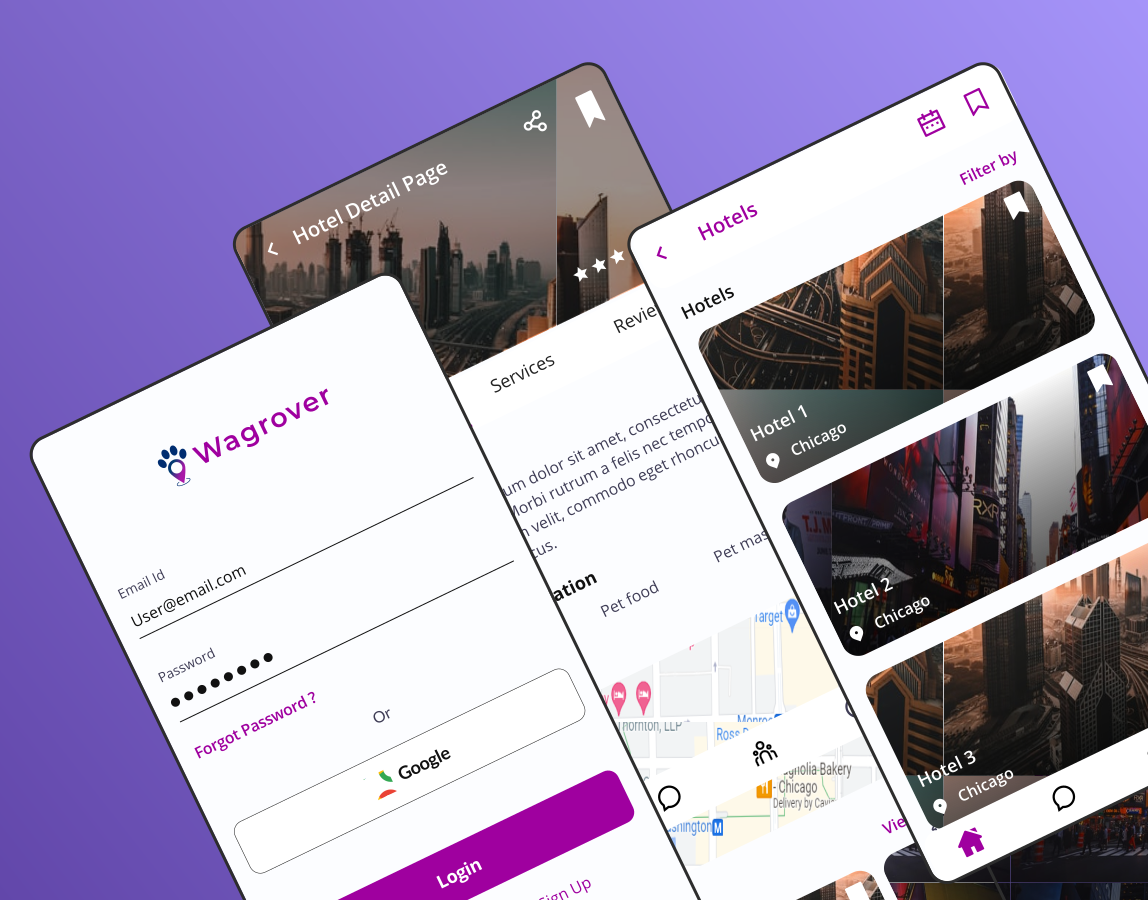
Mobile App for solving the problems faced by the pet owners while traveling with pets and while searching for a pet sitter.





.svg)